Set realistic weekly capacity
Allow for admin and leave when entering the hours available for client work.
06 / CHECK THE WEEK AHEAD
Before saying yes to another project, check the weeks it will occupy. Compare available hours with confirmed and proposed work so scheduling decisions are based on the workload you already have.
See the current price and purchase on Etsy. Digital files; software is not included.
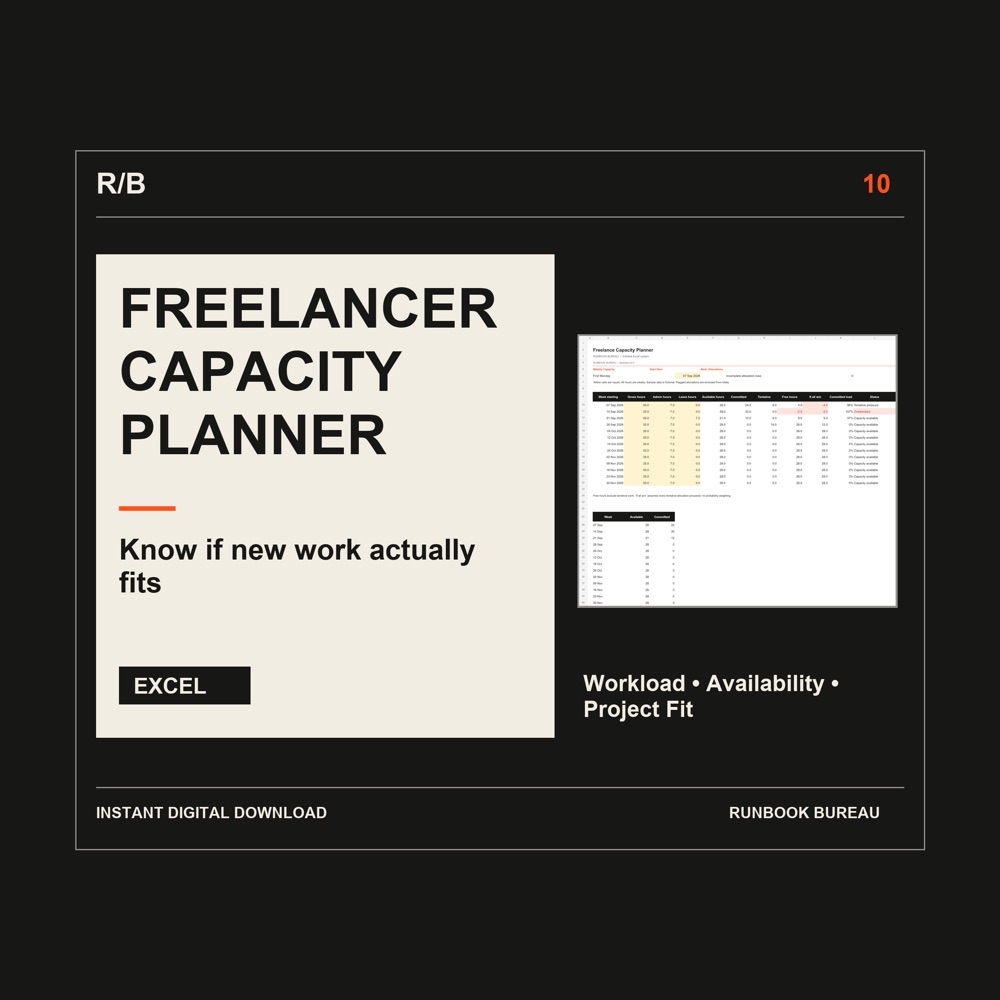
The planner puts weekly availability, existing commitments and possible new work into the same scheduling view.
WHAT IT HELPS YOU DO
Allow for admin and leave when entering the hours available for client work.
Track confirmed and proposed allocations so tentative opportunities do not disappear from your workload review.
Use Project Fit to assess proposed work against the schedule before accepting dates or promising availability.
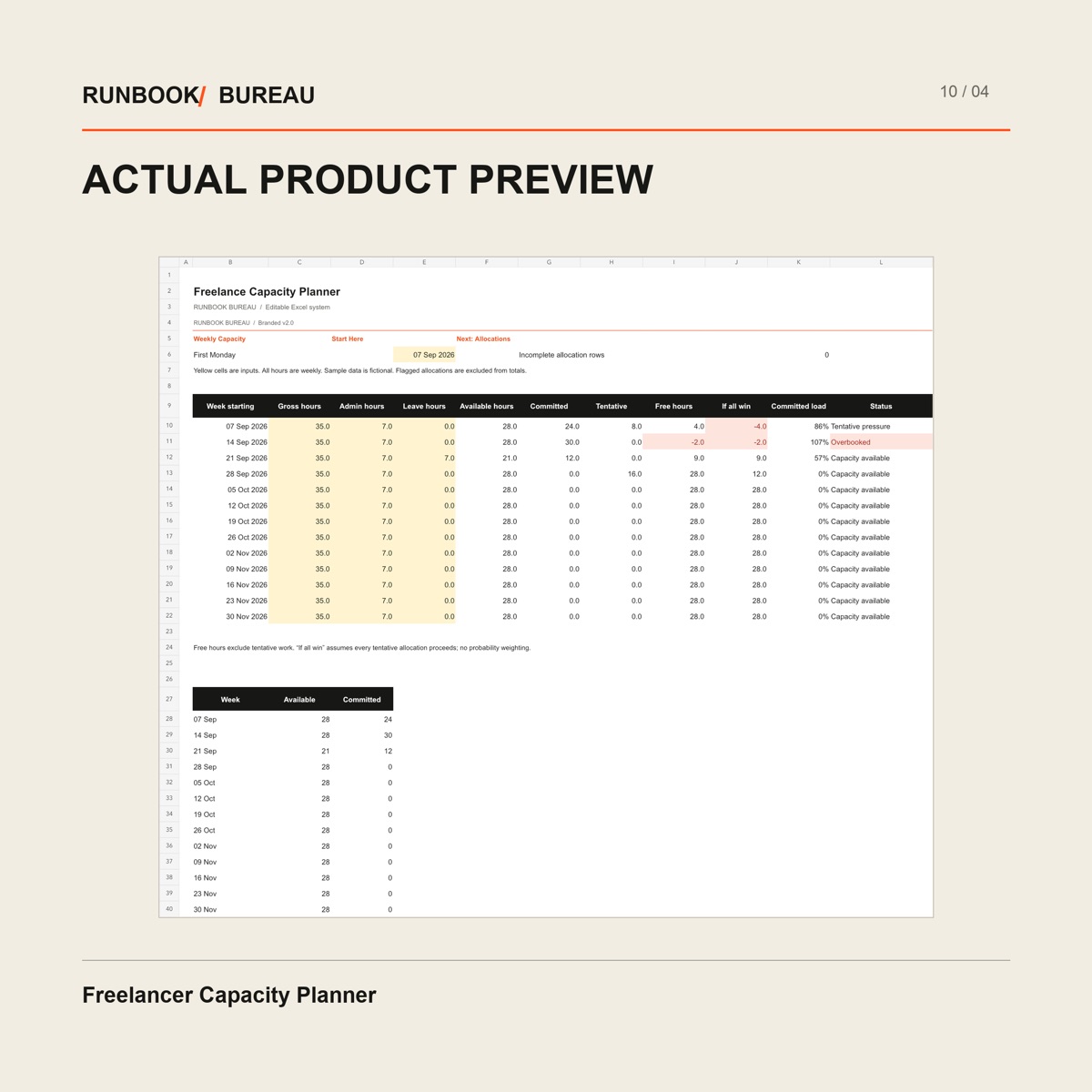
Weekly Capacity shows gross hours, admin, leave, committed work and tentative work side by side. Free hours exclude tentative work; the “if all win” view shows the pressure if every proposed allocation proceeds.
Open image to view the workbook details. On a phone, zoom after opening.
INSIDE THE FILES
Four Excel sheets: Weekly Capacity, Allocations, Project Fit and Start Here. The workbook includes weekly available-hours planning and confirmed and proposed workload tracking.
Freelancers and independent consultants balancing several clients, variable project demands and limited weekly working time.
An editable .xlsx workbook and text instructions for desktop Microsoft Excel. Software is not included. Keep an untouched backup and replace the sample records. No macros, external data connections or subscriptions are required.
This is a planning workbook, not a calendar integration. Its view depends on the hours and allocations you enter; it does not guarantee that a particular number of clients is manageable.
A SIMPLE WORKING ROUTINE
RELATED SYSTEMS
Run your freelance business from lead to payment without scattered spreadsheets.
Explore the system View on Etsy ↗Digital files. Software is not included.
Know which client projects are actually profitable before margin disappears.
Explore the system View on Etsy ↗Digital files. Software is not included.