Bring revenue and effort together
Record project revenue and estimated or actual hours using your internal hourly cost assumption.
05 / UNDERSTAND THE MARGIN
A project can bring in revenue and still leave too little for the work involved. Track the fee, hours and direct costs together to see project profit and margin, then compare where your time is paying off.
See the current price and purchase on Etsy. Digital files; software is not included.
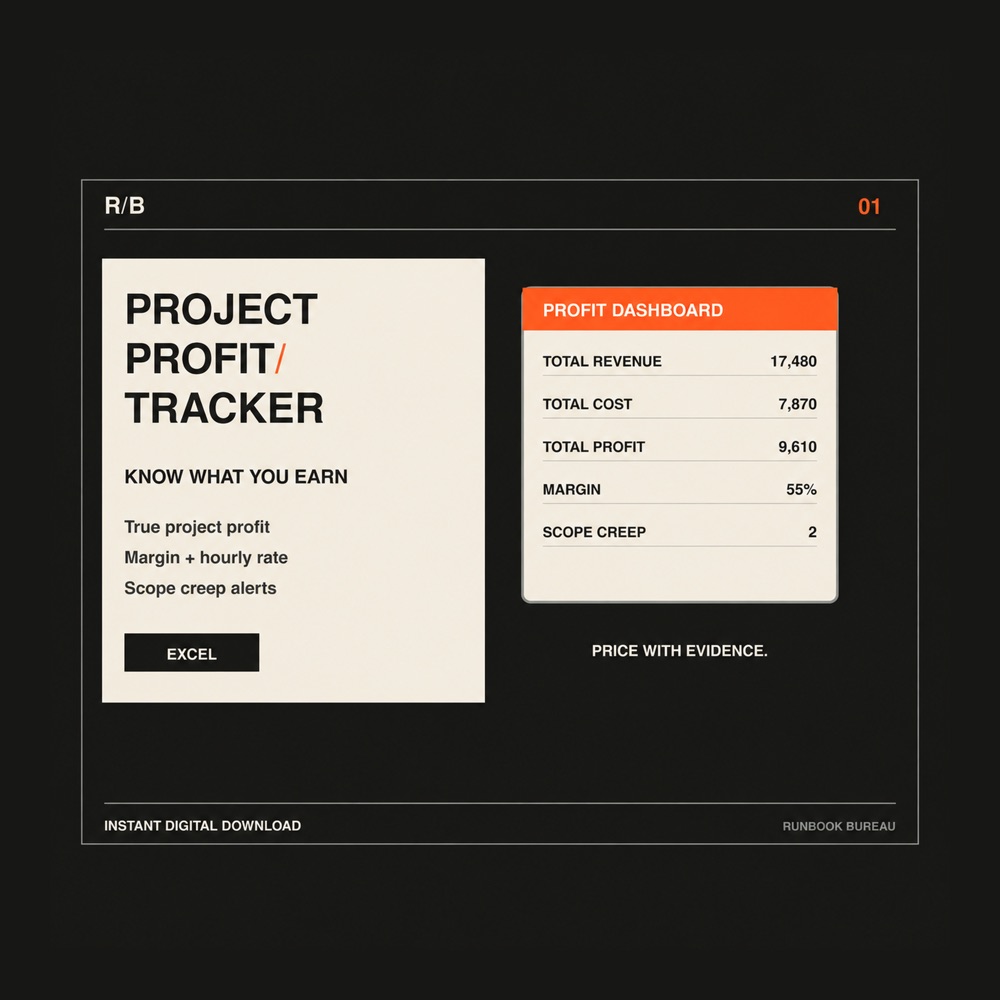
The tracker connects project revenue, hours and direct costs with profit and margin views.
WHAT IT HELPS YOU DO
Record project revenue and estimated or actual hours using your internal hourly cost assumption.
Use the Cost Log to record project expenses alongside the work they belong to.
Review the Dashboard to compare profitability and spot margin pressure before using the same assumptions for your next quote.
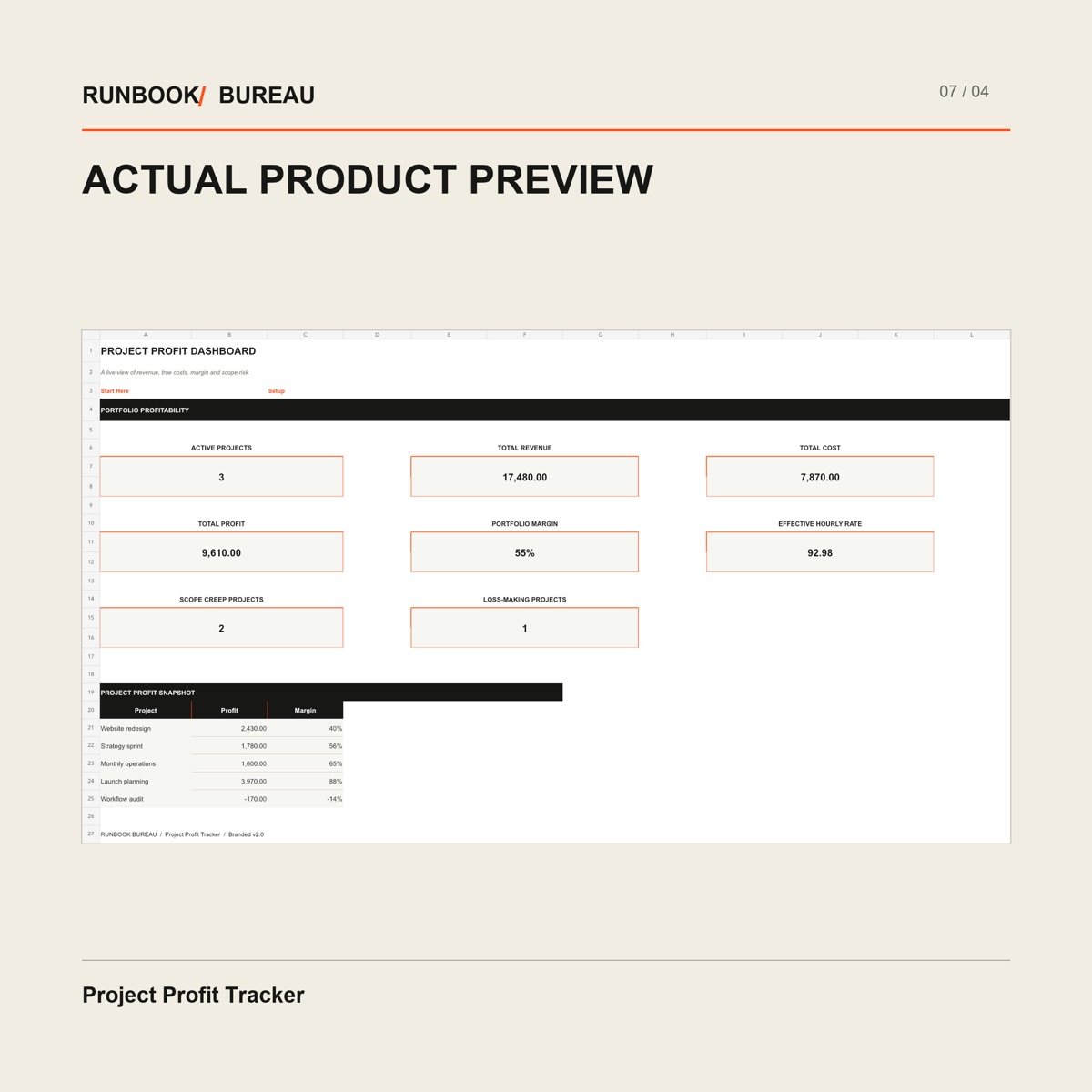
The dashboard summarizes revenue, total cost, profit, margin and effective hourly rate. A project snapshot compares profit and margin across individual jobs, including loss-making work.
Open image to view the workbook details. On a phone, zoom after opening.
INSIDE THE FILES
Start Here, Dashboard, Project Profit, Cost Log and Setup in an Excel workbook, with supporting PDF and text guidance.
Freelancers and service-business owners who want to review project economics using their own revenue, time and cost records.
An .xlsx workbook with PDF and text guidance. Designed for desktop Microsoft Excel. Importing into Google Sheets may change styling, validation, formulas or charts. Software is not included; replace the fictional sample records.
This is a management tracker. Its internal time-cost assumptions support project decisions and may differ from costs recognized in formal accounts. It does not replace accounting, tax or financial advice.
A SIMPLE WORKING ROUTINE
RELATED SYSTEMS
Calculate sustainable rates and project quotes without guessing what to charge.
Explore the system View on Etsy ↗Digital files. Software is not included.
Control extra work before scope creep silently reduces your margin.
Explore the system View on Etsy ↗Digital files. Software is not included.